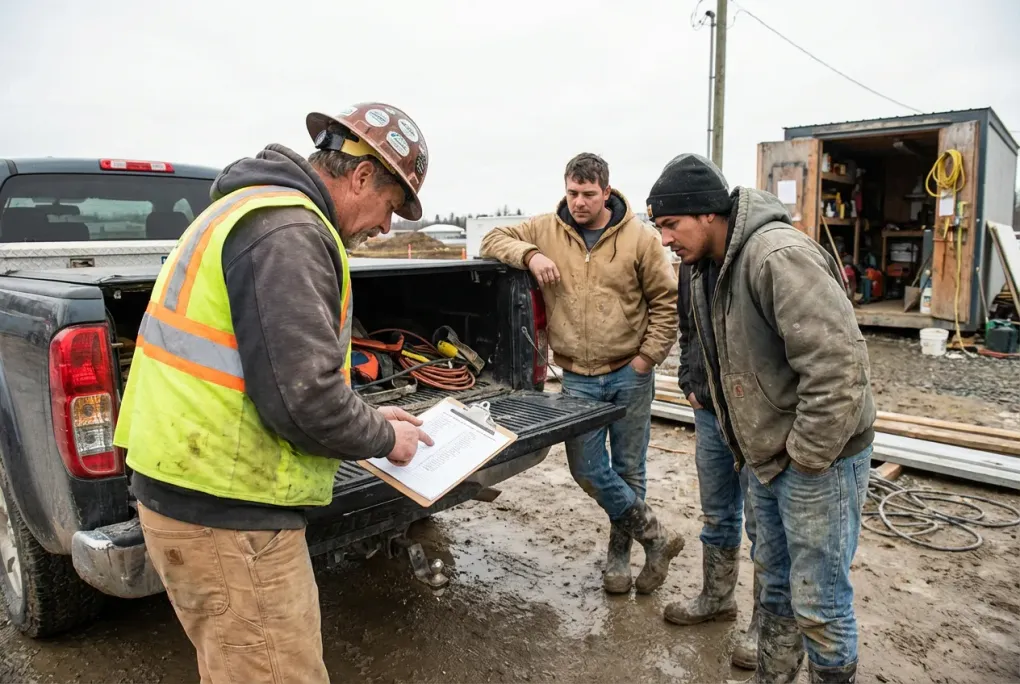
Simple Time Tracking Rules for Foremen So Payroll Stops Being a Mess
Most payroll headaches start in the field, not in the office.
If foremen turn in hours late, scribbled, or inconsistent, your payroll person is stuck guessing. That leads to rework, angry texts on payday, and “we will fix it next check” conversations that nobody enjoys.
You do not need a 50 page policy manual. You need a short list of simple rules your foremen can actually remember and follow.
This guide gives you a set of time tracking rules you can hand to foremen on small construction and field service crews.
Standard time tracking rules every construction crew should follow
You can tweak details for your company, but most small crews run smoother if every foreman follows the same basic rules.
Rule 1: Use the same system every day
No mixing paper, texts, and random spreadsheets. Pick one main system and stick to it. If you are still on paper, use the same sheet layout on every job.
Rule 2: Track time in real time, not at the tailgate
No “I think we started at 7” at the end of the day. Either workers clock themselves in and out, or the foreman updates hours during the day. End of day should be a quick check, not a full rebuild from memory.
Rule 3: Every hour belongs to a job and a code
No “misc labor.” Every block of time needs a job and a simple task or cost code, even if it is just “demo” or “cleanup.”
Rule 4: Foreman reviews daily, not just on payday
The foreman is the first line of defense. They catch the obvious problems before payroll ever sees the hours.
Rule 5: There is a real cutoff
Everyone knows the pay period end, and what happens if time comes in late. No surprises.
These rules are simple enough to fit on one page you can hand to every new foreman.
Pick one way to track time for everyone
The fastest way to create chaos is to let each foreman choose their own method.
- One uses paper.
- One uses text messages.
- One uses a spreadsheet.
- One uses the app you actually pay for.
Pick one main system, like TimeCamp or Connecteam, and make it the default for everyone.
You can still have a backup (like a paper sheet when someone’s phone dies), but the rule should be:
“If it is not in the app by the cutoff time, it is not official yet.”
Who actually enters the time: foreman or workers?
For small crews, you have two main patterns:
Workers clock themselves in and out
- Good when everyone has a smartphone and can handle an app.
- Foreman’s job is to review and correct, not type.
- More accurate start and stop times, less “end of day guessing.”
Foreman fills out the time for the crew
- Good when you have language barriers, older workers, or shared devices.
- Foreman controls which job and code hours go to.
- Risk that the foreman is rushed and fills it out from memory.
You can also mix it. For example, workers clock in and out, but the foreman is the only one allowed to change jobs or cost codes.
Whichever pattern you pick, write it down as a rule so every foreman does it the same way.
How a foreman should collect crew hours on the jobsite
If you want clean payroll, you cannot have a different process on every job. Here is a simple pattern that works on most small construction sites.
Morning: start of day
- Foreman checks who is actually on site.
- Everyone clocks in on the app, or the foreman starts a shift for each worker.
- Foreman makes sure the right job is selected, and the default task or cost code is set for the first activity (for example, “framing” or “demo”).
If someone shows up late, the foreman updates their start time right away, not at 4:30.
During the day: job and task changes
Any time the crew changes what they are doing in a way that matters for job costing, the time needs to move too.
Example:
- 7:00 to 10:00: Framing on Job A.
- 10:00 to 1:00: Framing on Job B.
- 1:30 to 3:30: Cleanup on Job A.
The foreman either:
- Has workers switch jobs and tasks in the app when they move, or
- Makes a quick note on a pad or in their phone and updates the app at lunch and again before they leave.
The important part is that the notes are made when the change happens, not guessed later.
End of day: quick huddle and review
Before anyone leaves:
- Foreman checks the app or sheet for:
- Missing workers.
- Obvious bad times (12 hour shift on a 6 hour day).
- Wrong job or task codes.
- Foreman asks the crew, “Anyone leave early, come late, or move to a different job I did not catch?”
- Fixes the issues on the spot.
This 5 minute routine saves you hours of chasing down answers on payroll day.
Make job and cost codes non optional
For small crews, it is tempting to skip job or cost codes and “figure it out later.” That is how you end up with one giant “labor” line and no idea which jobs are actually making money.
Simple rule:
- Every time entry must have who, what job, and what role or code.
- If a worker changes jobs during the day, they change the job or code in the app.
In tools like TimeCamp or Connecteam, that usually means:
- A list of jobs or projects.
- A list of tasks or cost codes (framing, trim, demo, cleanup, etc.).
Train foremen to pick the right combo when they start or move work.
If you want to see how this rolls up into job profitability, our guide on seeing labor cost by job with a small crew walks through examples.
Daily approvals beat last minute scrambles
Most problems come from trying to fix an entire pay period’s worth of time at the last minute.
A better pattern:
- Workers track hours in the app during the day.
- At the end of each day, the foreman:
- Checks each worker’s time.
- Fixes obvious errors (wrong job, impossible shift length).
- Marks the day as approved.
Then, at the end of the pay period, they are reviewing a list of already approved days, not raw chaos.
Simple rule you can give them:
“At the end of each day, your job is not done until today’s time is checked and approved.”
Set a hard cutoff for each pay period
Your payroll person needs a clear line in the sand.
Choose a simple pattern, for example:
- Pay period ends Sunday.
- Foremen must approve all time by 10 AM Monday.
- Payroll runs Monday afternoon.
Communicate it like this:
“If time for the last pay period is not in and approved by 10 AM Monday, it will go on the next check unless we made the mistake.”
Then stick to it. If you bend the rules every time, the rules will not matter.
If you want a full list of what to check at cutoff time, you can use our payroll checklist for each pay period as a template.
Handle corrections in a predictable way
Mistakes will still happen. The question is how you handle them.
Give foremen and workers a single way to report issues, such as:
- A shared “payroll fixes” text thread.
- A dedicated email address.
- A simple form in your office or app.
Then follow one rule:
- If the company made the mistake, fix it as fast as you can, even if that means an off cycle payment.
- If the worker submits late or ignores the cutoff, fix it on the next check.
You do not need to be harsh about it, just consistent.
How accurate do foremen time cards need to be for payroll?
Owners often ask, “Do these hours have to be perfect to the minute?” The law expects you to pay for all hours worked, but it also allows reasonable rounding if you do it consistently.
For small crews, a practical standard is:
- Start and stop times are accurate within 5 to 10 minutes.
- Breaks are recorded honestly, not just “automatic 30 minutes” if the crew worked through lunch.
- Job and task splits are close enough that job costing is useful, not fake.
Example:
- If a worker moved from Job A to Job B sometime around 10:05, it is fine to record 10:00.
- It is not fine to call a 7.5 hour day “8 hours” every time because it is easier.
Teach foremen that “close and honest” is the goal. Not “perfect” and not “whatever fills the day to 8 hours.”
Keep the rules short and written down
Once you settle on your version of these rules:
- Put them in writing on a single page.
- Review them with your foremen in a short meeting.
- Make your time tracking app match the rules as much as possible:
- Jobs and codes set up.
- Approval workflow clear.
- Cutoff times visible.
If you are not sure which app fits your crews’ phones and habits best, start with a pilot on one or two crews using something like TimeCamp for simple job costed time tracking. Once the pattern works there, roll it to the rest.
The goal is not a perfect system, just a boring, repeatable rhythm so that when payday comes around, nobody is guessing.
Common questions from owners
Do I need different time tracking rules for different jobsites?
Usually no. You might have different start times or different access rules on certain sites, but the core time tracking rules should be the same everywhere:
- Same app or sheet.
- Same expectations for daily approval.
- Same cutoff for payroll.
If you let each site “do it their own way,” your office staff has to learn and remember every variation. That is how mistakes slip in. If a general contractor forces you to use their system on a specific project, keep your own internal rules as close as possible to your normal process.
Should foremen fill out timesheets or should workers clock in themselves?
It depends on your crew.
Let workers clock themselves if:
- They are comfortable with phones and apps.
- You want very accurate in and out times.
- You have crews that split up during the day.
Have foremen fill out time if:
- You have language or tech barriers.
- You have a lot of short term or temp workers.
- You want tight control of which jobs and codes hours go to.
Many owners start with foremen entering time, then move to worker self clocking once everyone is used to the system. In both cases, the foreman is still responsible for the daily review.
How strict should I be about the payroll cutoff?
You should be very consistent, but you do not have to be harsh.
A simple approach:
- First couple of pay periods on a new system: remind and help foremen hit the cutoff.
- After that: if time is late and it is not your office’s fault, it goes on the next check.
- If the company caused the delay (system down, office mistake), you fix it as fast as possible.
The point of the cutoff is to protect your office from last minute chaos, not to punish people. If you make rare exceptions, write them down and treat everyone the same way.
What if a foreman forgets to track time for part of the day?
Have a clear recovery process:
- Foreman talks to each worker and rebuilds the day as best they can.
- They mark the corrected entries with a note, such as “reconstructed from memory on 3/10.”
- If this happens more than once or twice, you coach the foreman and, if needed, change the process so it is easier to do it right in real time.
You cannot avoid the occasional mistake, but you can avoid it becoming a habit.
Do these rules change if I grow from one crew to several?
The core rules stay the same, but you will need more structure:
- Someone in the office should spot check time approvals.
- You may add more detailed cost codes.
- You might standardize start times or break rules across crews.
If you are heading toward 10 to 50 field employees, it is worth looking at your whole setup, not just time tracking. Our article on the best payroll and time tracking setup for 10 to 50 person construction crews covers what usually breaks and how to fix it before it becomes a problem.